



MSC-IT Professional Course Build Your Career in Information Technology

The MSC-IT program is designed to build strong foundations in programming, data management, networking, and modern IT systems, preparing students for high-demand roles in the technology industry.

Enroll Now
Levels

All Levels

Beginner to Advanced

Duration

16 Months

Course Duration

Certificate

MS-CIT Certified

Govt. Approved

Training

Practical Training

Hands-on Labs

Career

Career Ready

Job Support

About MS-CIT Course

The MS-CIT (Maharashtra State Certificate in Information Technology) course is designed to build strong computer and IT fundamentals for students and professionals.

Through practical training, students gain confidence in using computers, managing data, working with documents, and communicating digitally.

At KGIT Computer, the MS-CIT course is delivered with hands-on lab sessions, expert guidance, and industry-oriented teaching methods.

MS-CIT Course Curriculum

AI Tools & Digital Skills
Computer Fundamentals & OS
MS Word
MS Excel
MS PowerPoint
MS Outlook / Email
Google Suite
Gmail & Communication
Internet & Digital Services
Cyber Security
Smart Typing
Ergonomics & Green Computing
  • What is Artificial Intelligence (AI)
  • AI in daily life, education & offices
  • Using AI tools for:
    • Smart Typing
    • Content Writing
    • Learning & Problem Solving
  • How to ask correct questions to AI (Prompt basics)
  • AI for students, job seekers & beginners
  • Benefits and limitations of AI
  • Responsible & ethical use of AI tools
  • Computer basics: hardware & software
  • Types of computers & digital devices
  • Input, output & storage devices
  • Files, folders & data management
  • Introduction to operating systems
  • Basic computer settings
  • Safe & proper computer handling
  • MS Word (Document Creation)
  • Creating, saving & editing documents
  • Text formatting (font, size, alignment)
  • Paragraph & page setup
  • Tables, images & shapes
  • Header, footer & page numbers
  • Spell check & print settings
  • Practical work:
    • Letters
    • Applications
    • Resume & reports
  • MS Excel (Spreadsheet & Data Handling)
  • Workbook & worksheet concepts
  • Rows, columns & cells
  • Data entry & formatting
  • Basic formulas (SUM, AVERAGE, COUNT)
  • Charts & graphs
  • Sorting & filtering data
  • Practical work:
    • Marksheets
    • Attendance
    • Expenses & simple reports
  • MS PowerPoint (Presentation Skills)
  • Creating presentations
  • Slide layouts & themes
  • Adding text, images & charts
  • Animations & transitions
  • Slide show settings
  • Practical work:
    • Project presentations
    • Office & seminar slides
  • MS Outlook / Email Basics
  • Creating & managing email account
  • Sending & receiving emails
  • Attachments & folders
  • Email etiquette & safety
  • Professional email usage
  • Google Docs (Online Word Processing)
  • Creating online documents
  • Text & paragraph formatting
  • Inserting images, tables & links
  • Sharing documents with others
  • Comments & collaboration
  • Downloading as PDF / Word
  • Practical uses:
    • Letters
    • Resume
    • Project work
  • Google Sheets (Online Spreadsheet Skills)
  • Creating spreadsheets online
  • Data entry & formatting
  • Simple formulas
  • Charts & graphs
  • Sorting & filtering
  • Practical uses:
    • Student data
    • Attendance
    • Expense tracking
  • Google Slides (Online Presentations)
  • Creating slide presentations
  • Themes & layouts
  • Adding text, images & videos
  • Transitions & animations
  • Practical uses:
    • College presentations
    • Office meetings
  • Gmail & Online Communication
  • Creating Gmail account
  • Sending & receiving emails
  • Attachments, CC & BCC
  • Organizing emails using labels
  • Searching emails
  • Email safety & spam awareness
  • Job application & official email use
  • Internet, Digital Services & Online Applications
  • Internet & World Wide Web basics
  • Browsers & search engines
  • Online forms & registrations
  • Digital India services
  • Online payments (UPI basics)
  • Ticket booking & e-commerce
  • Government & educational portals
  • Cyber Security, Netiquette & Digital Safety
  • Password security
  • Online fraud & scam awareness
  • Social media safety
  • Cyber ethics & laws
  • Safe browsing habits
  • Responsible digital behaviour
  • Smart Typing & Productivity Skills
  • Correct typing techniques
  • Speed & accuracy practice
  • Keyboard shortcuts
  • Daily productivity tips
  • Ergonomics & Green Computing
  • Correct sitting posture
  • Eye care & screen habits
  • Energy saving while using computers
  • Responsible e-waste disposal
  • Eco-friendly computing practices
01
AI & Digital SkillsAI Tools & Digital Skills
+
  • What is Artificial Intelligence (AI)
  • AI in daily life, education & offices
  • Using AI tools for Smart Typing, Content Writing, Learning & Problem Solving
  • How to ask correct questions to AI (Prompt basics)
  • AI for students, job seekers & beginners
  • Benefits and limitations of AI
  • Responsible & ethical use of AI tools
02
Computer BasicsComputer Fundamentals & OS
+
  • Computer basics: hardware & software
  • Types of computers & digital devices
  • Input, output & storage devices
  • Files, folders & data management
  • Introduction to operating systems
  • Basic computer settings
  • Safe & proper computer handling
03
Microsoft OfficeMS Word
+
  • Creating, saving & editing documents
  • Text formatting (font, size, alignment)
  • Paragraph & page setup
  • Tables, images & shapes
  • Header, footer & page numbers
  • Spell check & print settings
  • Practical: Letters, Applications, Resume & Reports
04
Microsoft OfficeMS Excel
+
  • Workbook & worksheet concepts
  • Rows, columns & cells
  • Data entry & formatting
  • Basic formulas (SUM, AVERAGE, COUNT)
  • Charts & graphs
  • Sorting & filtering data
  • Practical: Marksheets, Attendance, Expenses & Reports
05
Microsoft OfficeMS PowerPoint
+
  • Creating presentations
  • Slide layouts & themes
  • Adding text, images & charts
  • Animations & transitions
  • Slide show settings
  • Practical: Project presentations, Office & seminar slides
06
EmailMS Outlook / Email
+
  • Creating & managing email account
  • Sending & receiving emails
  • Attachments & folders
  • Email etiquette & safety
  • Professional email usage
07
Google WorkspaceGoogle Suite
+
  • Google Docs: Creating & formatting online documents, sharing & collaboration
  • Google Sheets: Spreadsheets, formulas, charts & sharing
  • Google Slides: Online presentations, themes, animations
  • Practical: Letters, Resume, Expense tracking, College presentations
08
CommunicationGmail & Communication
+
  • Creating Gmail account
  • Sending & receiving emails
  • Attachments, CC & BCC
  • Organizing emails using labels
  • Email safety & spam awareness
  • Job application & official email use
09
InternetInternet & Digital Services
+
  • Internet & World Wide Web basics
  • Browsers & search engines
  • Online forms & registrations
  • Digital India services
  • Online payments (UPI basics)
  • Ticket booking & e-commerce
  • Government & educational portals
10
SafetyCyber Security
+
  • Password security
  • Online fraud & scam awareness
  • Social media safety
  • Cyber ethics & laws
  • Safe browsing habits
  • Responsible digital behaviour
11
ProductivitySmart Typing
+
  • Correct typing techniques
  • Speed & accuracy practice
  • Keyboard shortcuts
  • Daily productivity tips
12
Green ComputingErgonomics & Green Computing
+
  • Correct sitting posture
  • Eye care & screen habits
  • Energy saving while using computers
  • Responsible e-waste disposal
  • Eco-friendly computing practices

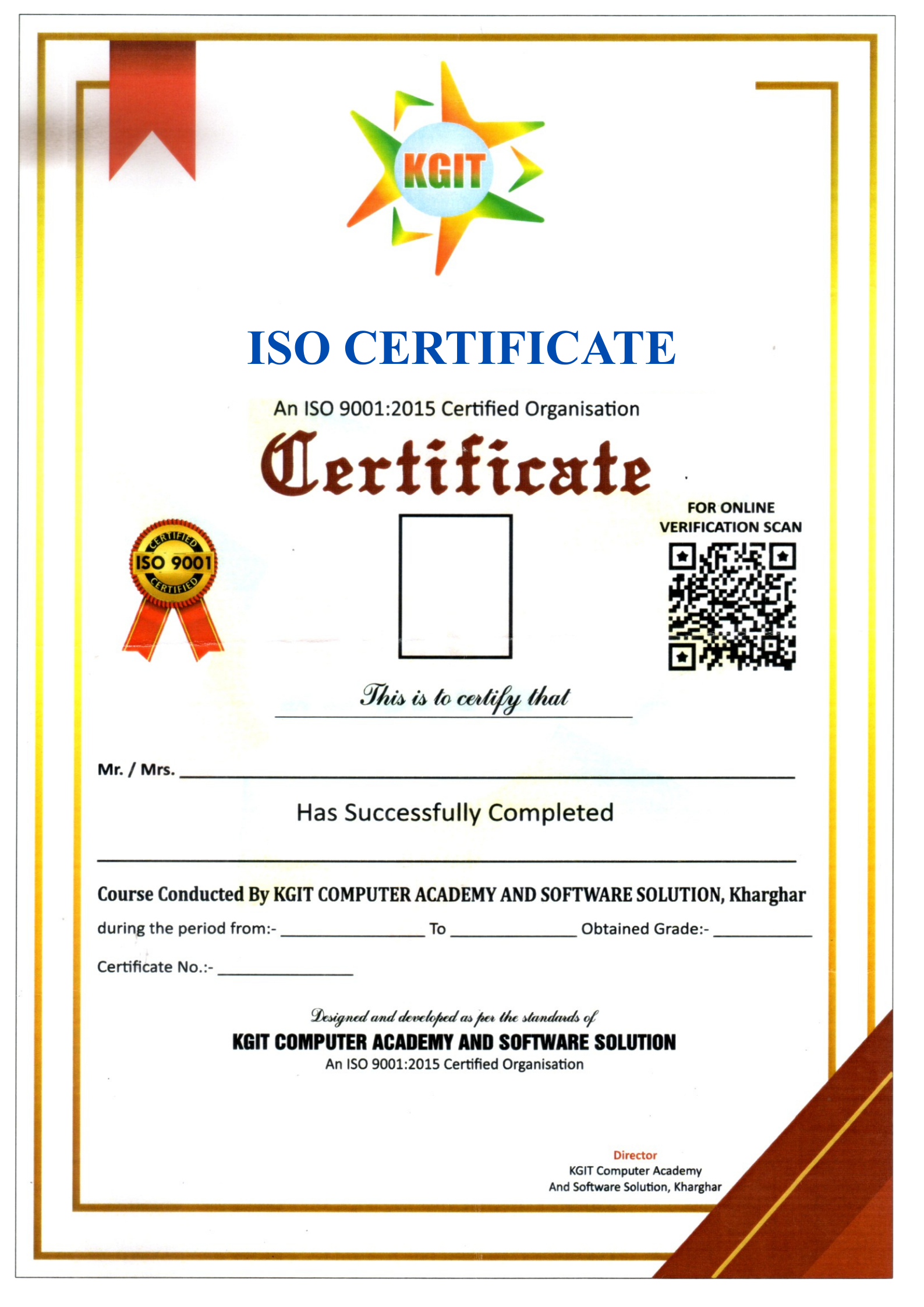
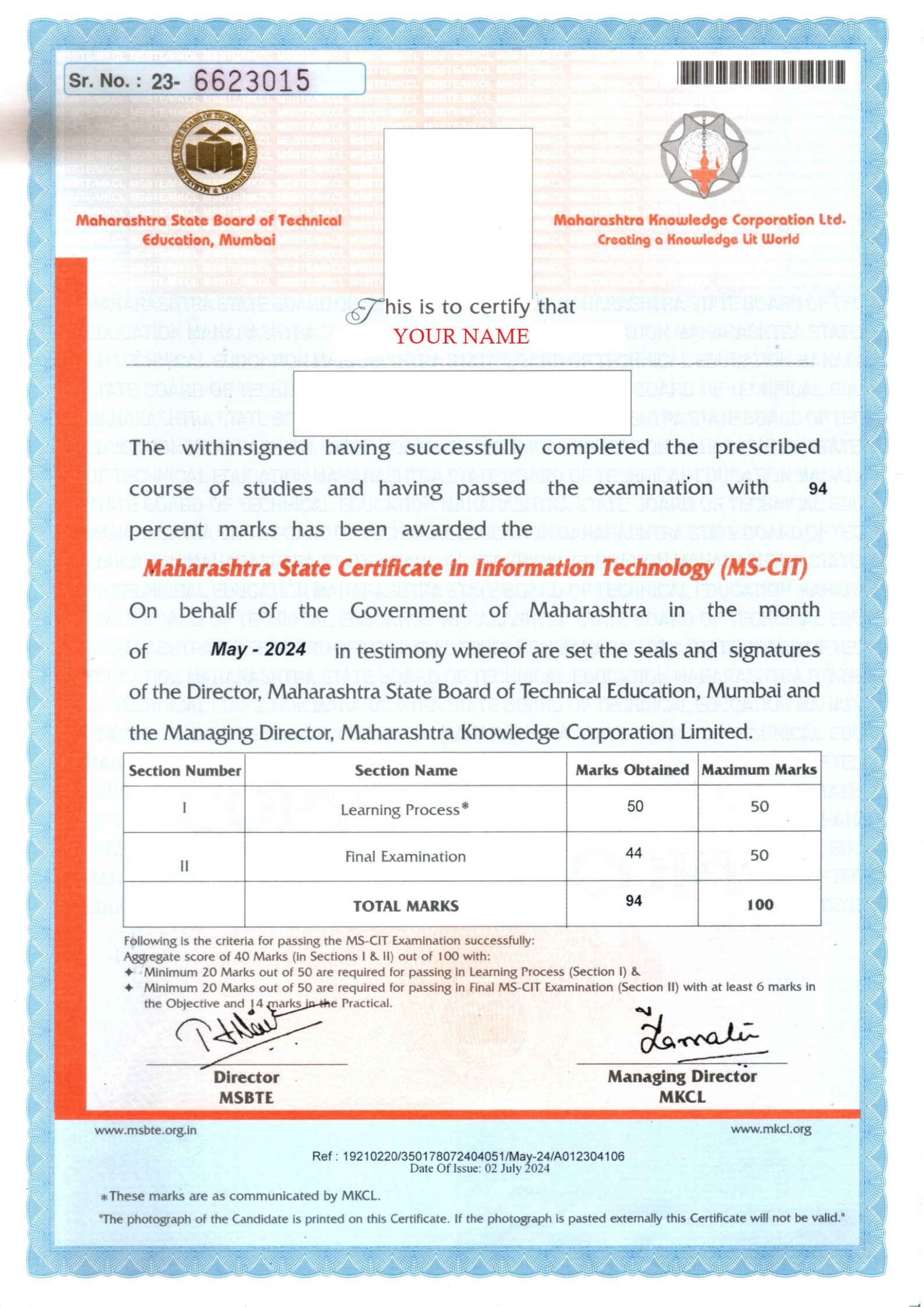
Certification For This Course

Receive a MS-CIT Certificate after successful course completion.

Register Now
Certificate 1 Certificate 2

Get in Touch

Ready to start your learning journey? Contact us today!

Visit Our Institutes

📍 Our Locations

KGIT Computer Academy & Solutions
B8/01, Gharkul,
Sector-15, Kharghar,
Behind D-Mart,
Navi Mumbai – 410210

📞 Phone

+91 8454085780

⏰ Working Hours

8:00 AM – 9:00 PM

Monday – Saturday

Send us a Message